Node Reference
Every flow node type — what it does, its connection dots and key settings, and when to reach for it.
How Nodes Connect
Dots carry control, not data — read this before the catalog.
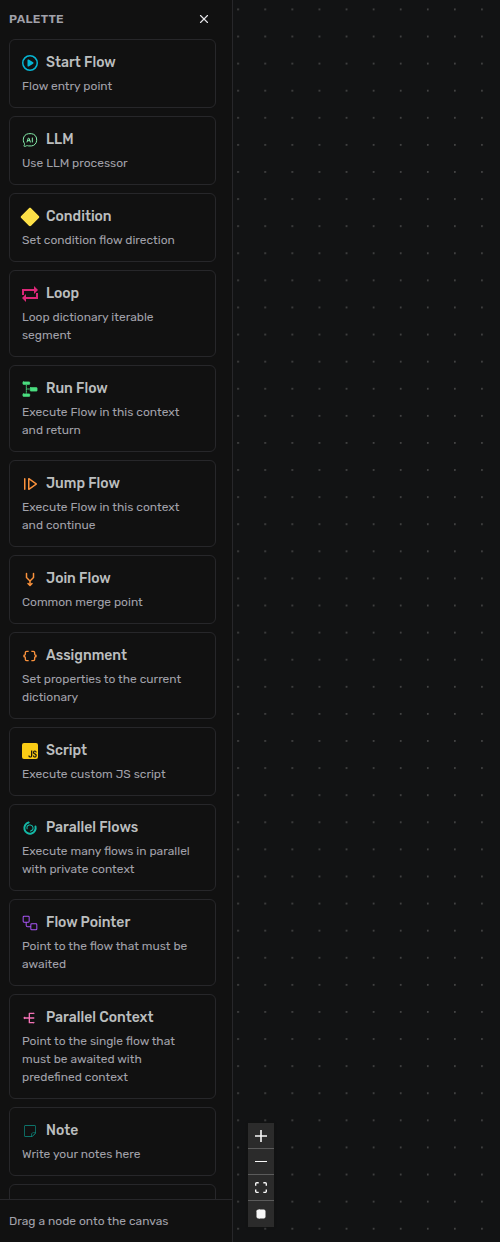
Every node type, in the extension's palette.
A flow is a graph of nodes wired by edges. Each node has one or more connection dots (handles): an in dot where control arrives, and one or more out dots where it leaves. An edge carries control — "run this next" — not data; data travels through the shared dictionary and session, which nodes read and write as the graph runs. Wire a node's out dot to the next node's in dot; a dot left unwired simply ends that branch.
Most in dots accept a single incoming edge. A few accept many — you can converge several branches on them without a Join: End, Join, Loop, Script, LLM, Run Flow, Jump Flow, and Parallel Flows (its in and its Wait). Condition, Assignment, and Parallel Context take a single incoming edge only.
Boundaries — Start & End
Where a flow begins and where it stops.
Start Flow
The entry door — every flow begins here. Dots: one out (next), no input. Key setting: a Label (one capitalised word, letters only, 3–60 characters) — this is how the flow is addressed. A file Project.flow with a Start labelled Main is reached as Project-Main. The agent's Start Node field in the admin console is slightly wider (it also accepts digits) — keep to letters so both sides agree. When: always — and add more than one when a file needs several named entry doors.
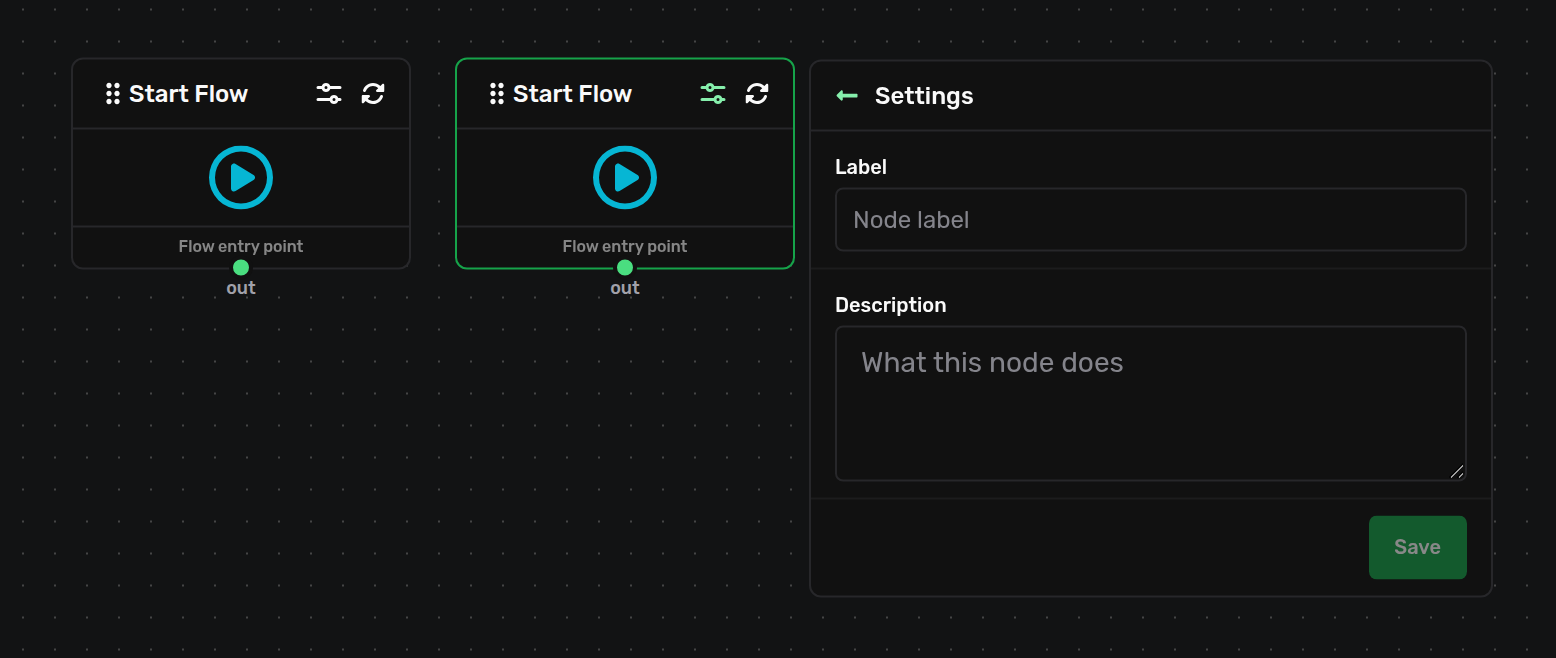
The Start Flow node and its panel — the Label field that names the flow's entry.
End Flow
The terminator — reaching it finishes the flow. Dots: one in (in, multi-in), no output. Key setting: terminateDictionary (default off) frees this flow's working data the moment it ends instead of waiting for the run to clean up — worth turning on for wide parallel fan-outs. It only applies to a flow that owns its dictionary (the agent's main flow, a Parallel Flows branch, a Parallel Context run); on a flow reached through Run Flow or Jump Flow — which continues on its caller's dictionary — the option is ignored, so the caller's data is never pulled out from under it. When: to mark every finished path clearly.
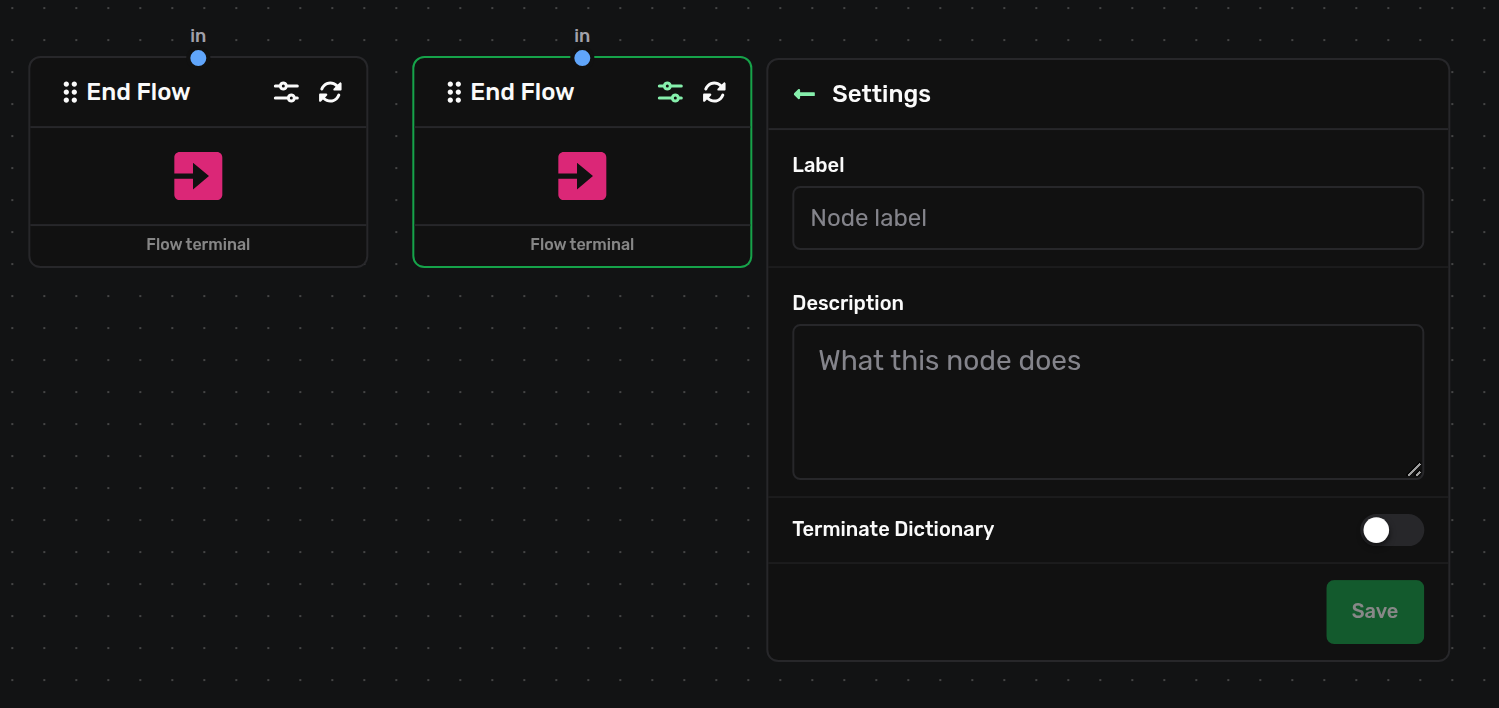
The End Flow node and its panel — the terminateDictionary toggle.
Branching & Merging — Condition, Loop, Join
Deciding what runs next.
Condition
An if / else — it evaluates one boolean expression and routes. Dots: in; two outs, True (true) and False (false). Key setting: the expression — wrap each data reference in placeholders, e.g. ${dictionary.test} > 25. A bare dictionary.test is rejected with "Member access is not allowed". Allowed: comparisons (== === != !== < > <= >=), arithmetic (+ - * / %), logic (&& || ?? !), a ? : conditional, over literals and ${dictionary.*} / ${session.*}. When: to fork on a value you're holding.
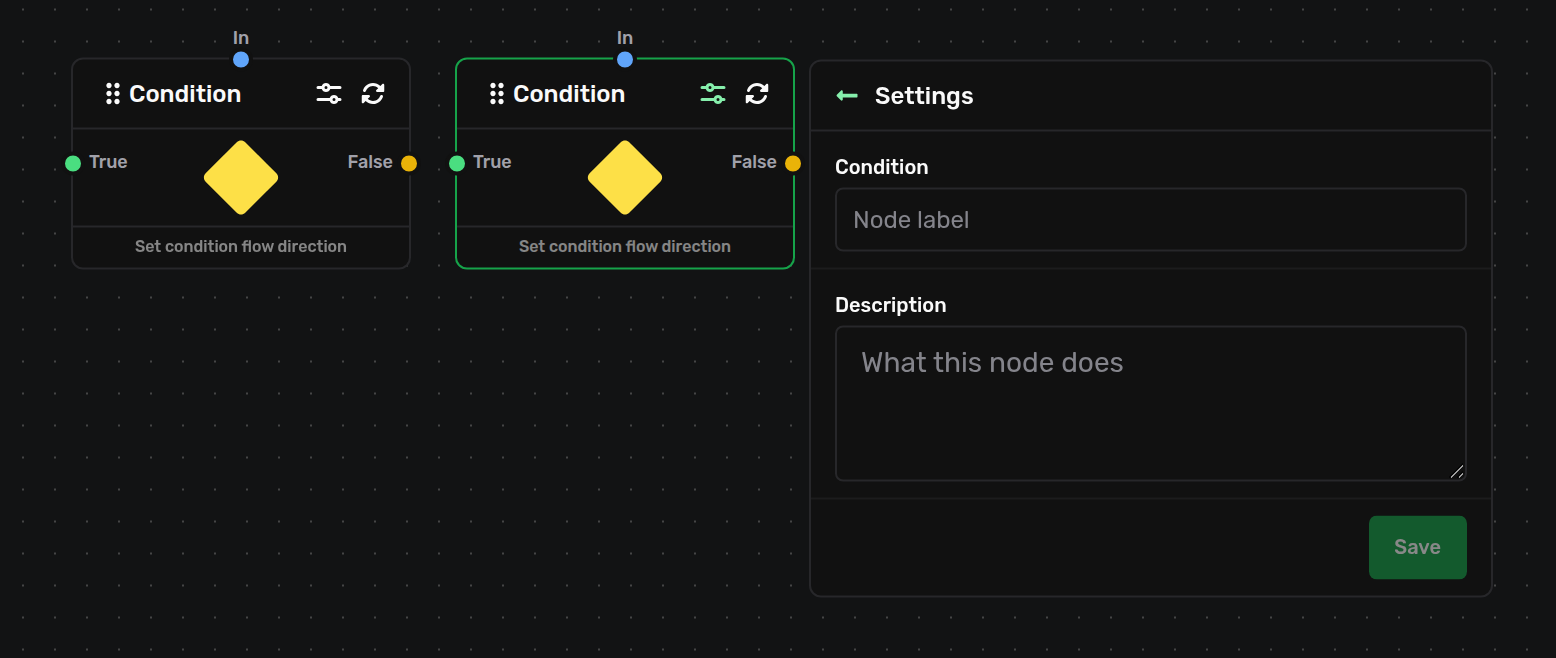
The Condition node and its panel — the boolean expression, with its True and False outs.
Loop
Iterates over an array in the dictionary — the platform's for…of. Four dots: In; Out (out) to the loop body; Next (next_2), which the body wires back into to request the next element; Finish (next_1) once the array is exhausted. Key settings: Read from (the array) and Set to (where each element lands) — both must be dictionary.<path> or session.<key>, and they must differ. When: to run a body once per item in a list.
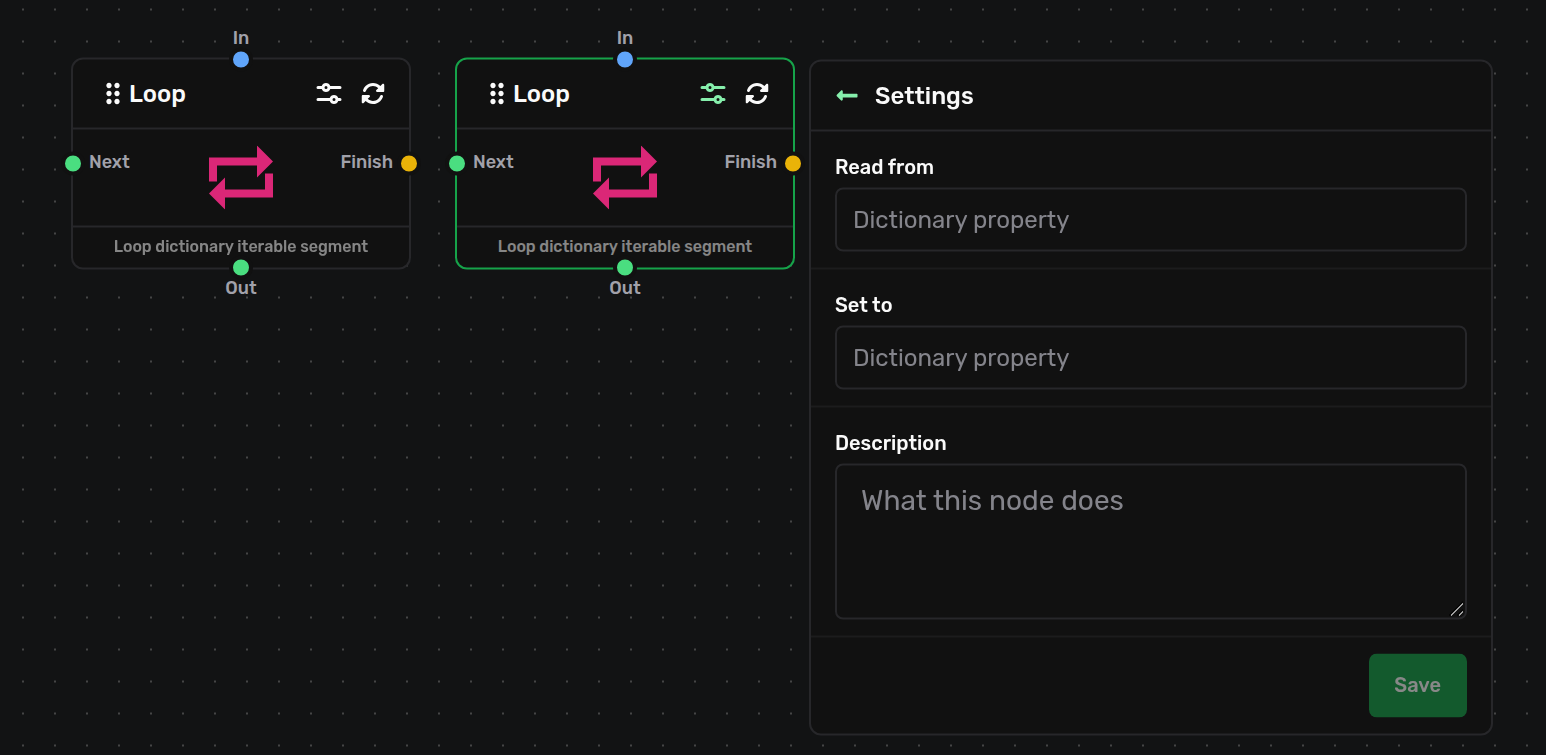
The Loop node and its panel — the Read from and Set to fields, with its four dots.
Join Flow
A merge point — many branches wire into its one in and continue out a single out (next_1), so several paths share one downstream. No settings. It is a pass-through, not a barrier: each path that arrives continues immediately — it does not wait for all branches. When: to tidy several branches onto one continuation. To actually wait for parallel work, use Parallel Flows.

The Join Flow node — a settingless merge point with one in and one out.
Doing Work — Assignment, Script, Agent
The nodes that change data or produce answers.
Assignment
Writes key → value pairs into the current flow's dictionary. Dots: in, out (next_1). Key setting: up to 10 pairs (key ≤ 100, value ≤ 200 chars; duplicate keys rejected). Values interpolate placeholders; note a plain literal is stored as a string — 1 becomes "1", so use ${dictionary.count} to store a real number. When: to seed or update working data mid-flow.
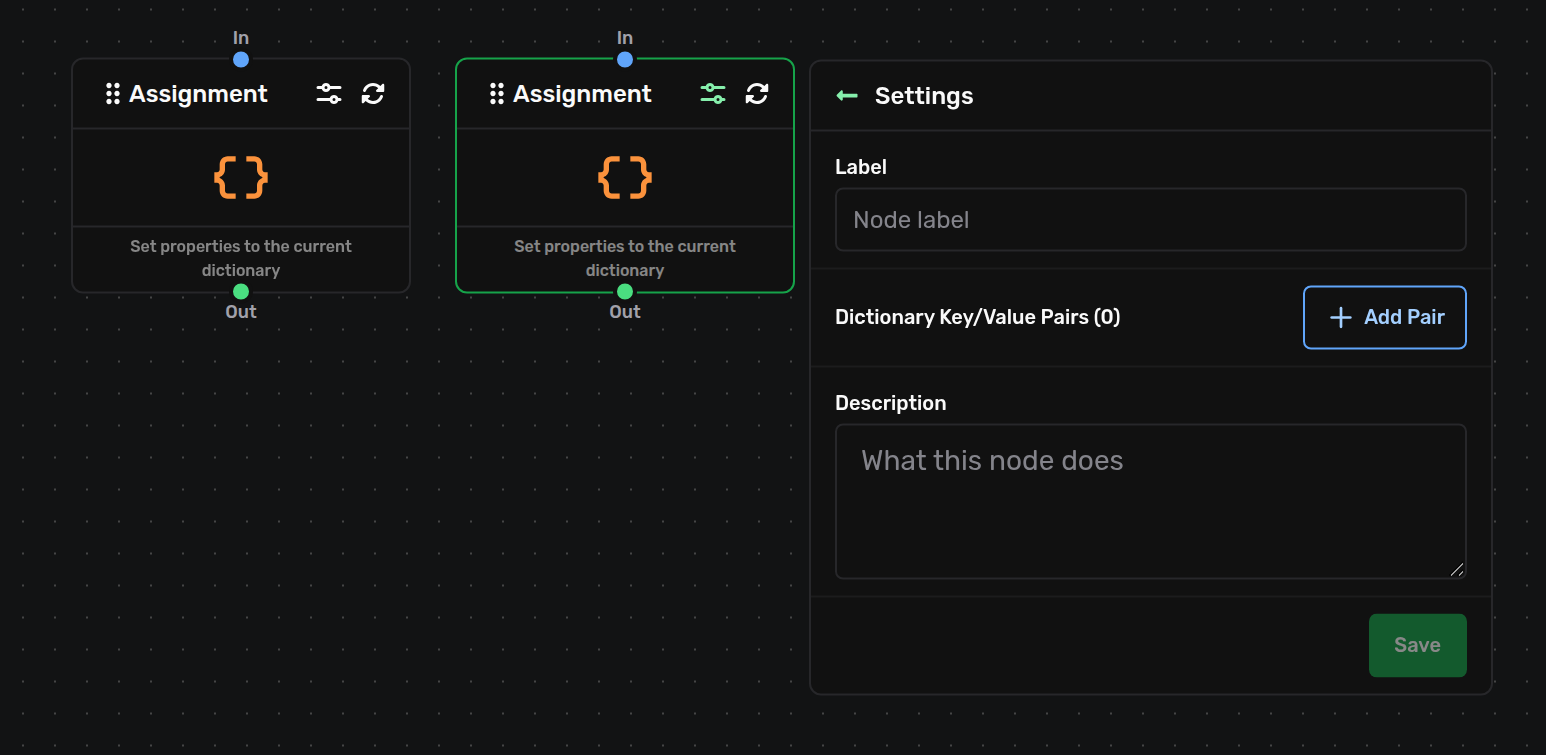
The Assignment node and its panel — the key/value pairs editor.
Script
Runs a JavaScript file from your project in a locked-down sandbox. Dots: in; Out (next_1) on a clean return; Error (error) if it throws. Key settings: a script path ending .js, and optional key/value props. The file exports exec(props); it can read and write the dictionary and session, call agents, log, and make HTTP requests through the platform's provided resources. When: for logic the other nodes can't express — shaping data, calling an API, custom validation. Wire the Error dot for anything that can fail.
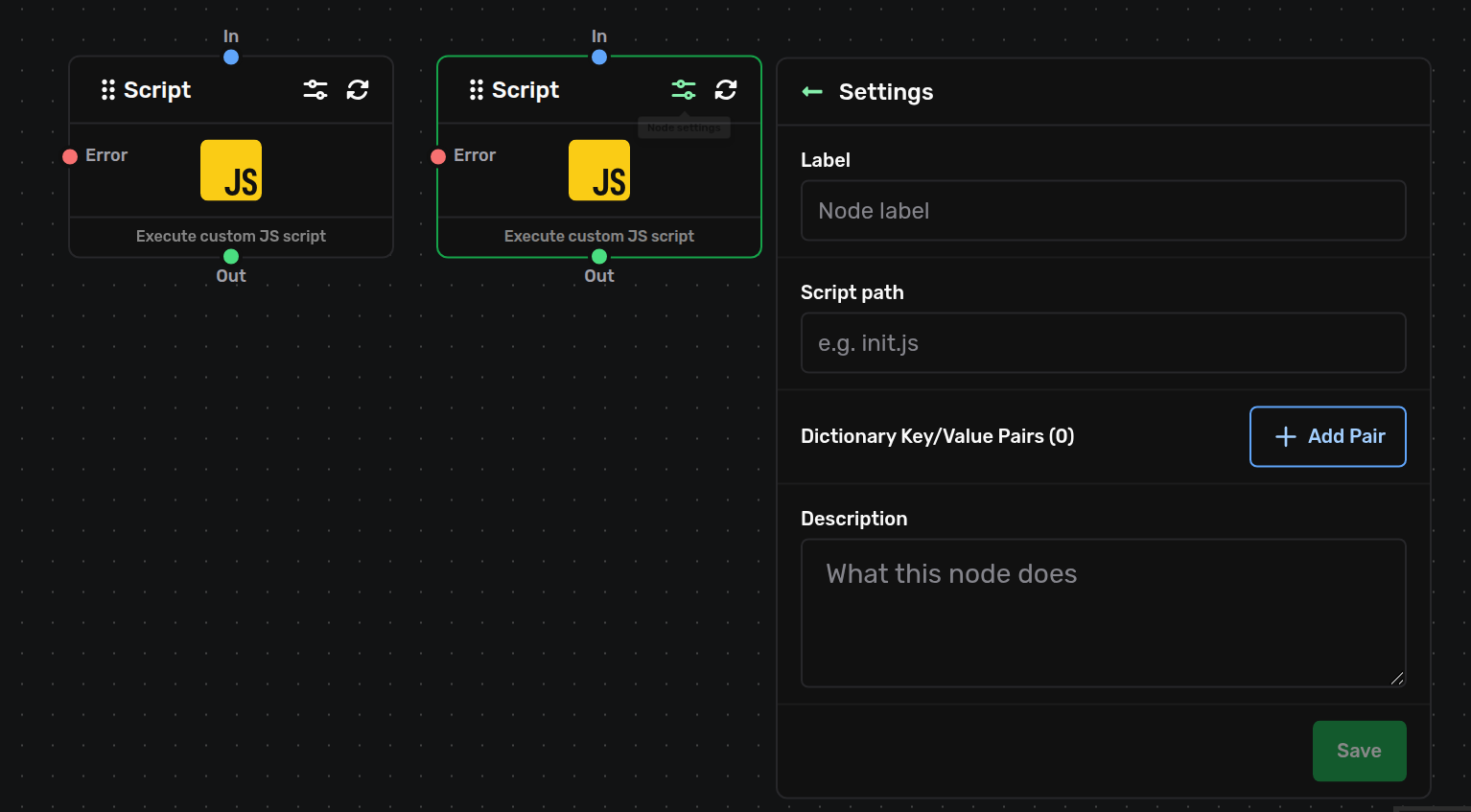
The Script node and its panel — the script path and props, with its Out and Error dots.
Agent (LLM)
The brain — it sends a conversation to a language model and can call tools before it replies. Dots: in; Out (next_1) after a normal answer; Fallback (error) when the model call fails. Key settings (three panels): an Agent ID (kebab-case slug) and Agent Name; the scripted prompts (up to 20 turns, the first is the System prompt); and the model (provider anthropic / google / openai, plus sampling, max tokens, and reasoning effort). Two Special Rules switches, both on by default: Use tools — off, the node never treats a <SYSTEM CALL> block as a call; the model's raw text is simply its answer. Interact with DB — off, the turn is neither loaded from nor saved to the conversation history — the shape to use for a transient helper agent inside a flow that should not appear in the user's chat. When: whenever the flow needs to reason or answer.
The Agent ID of the node that answers the end user must be exactly the agent's slug from the admin console (lowercase letters and single dashes): the user's message is delivered to that id, and a node with a different id finds no user message and fails its model call. Inner agents you drive yourself from a script may use any id — you seed their prompt through system/agent.
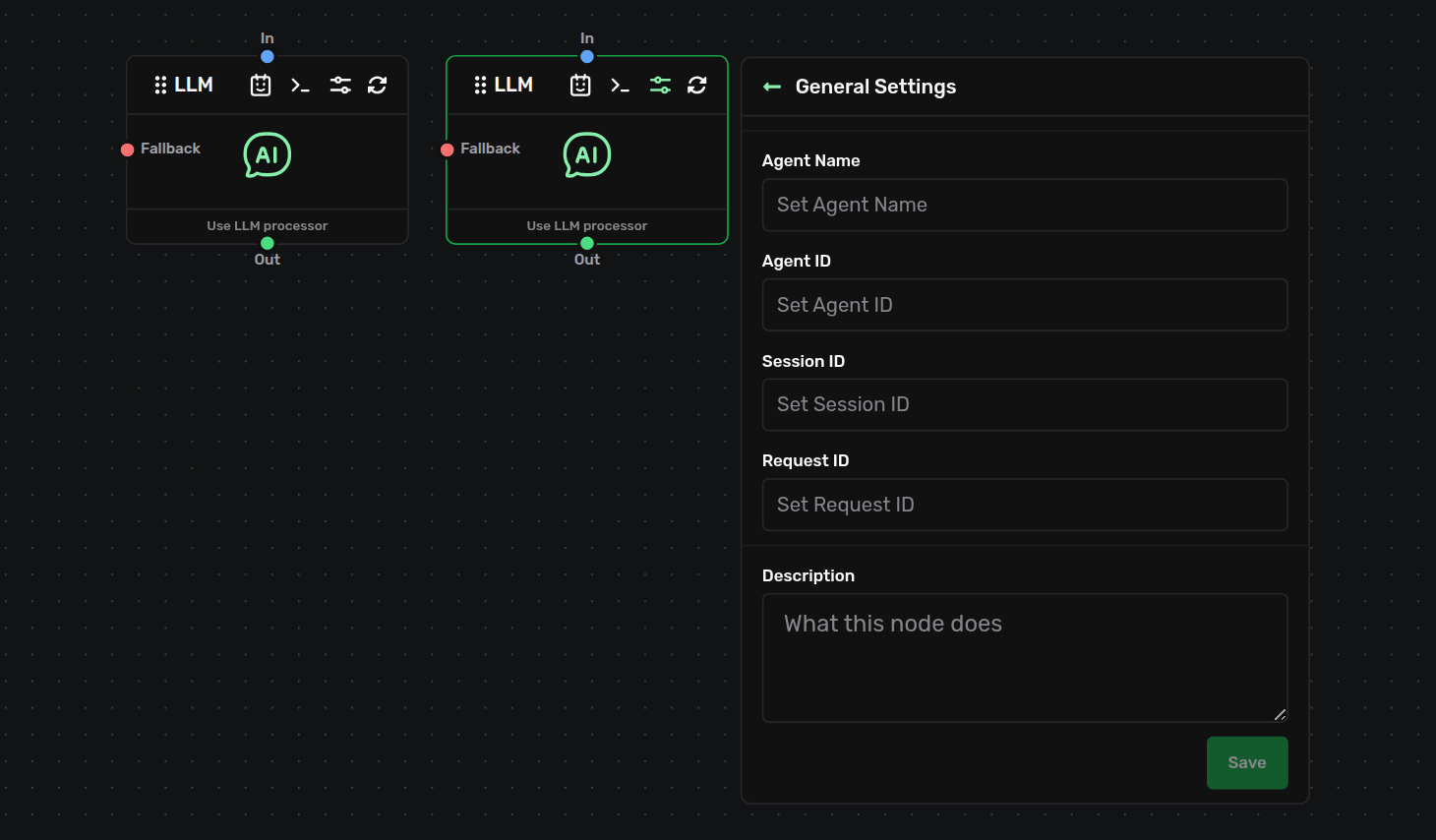
General settings — the Agent ID and Agent Name.
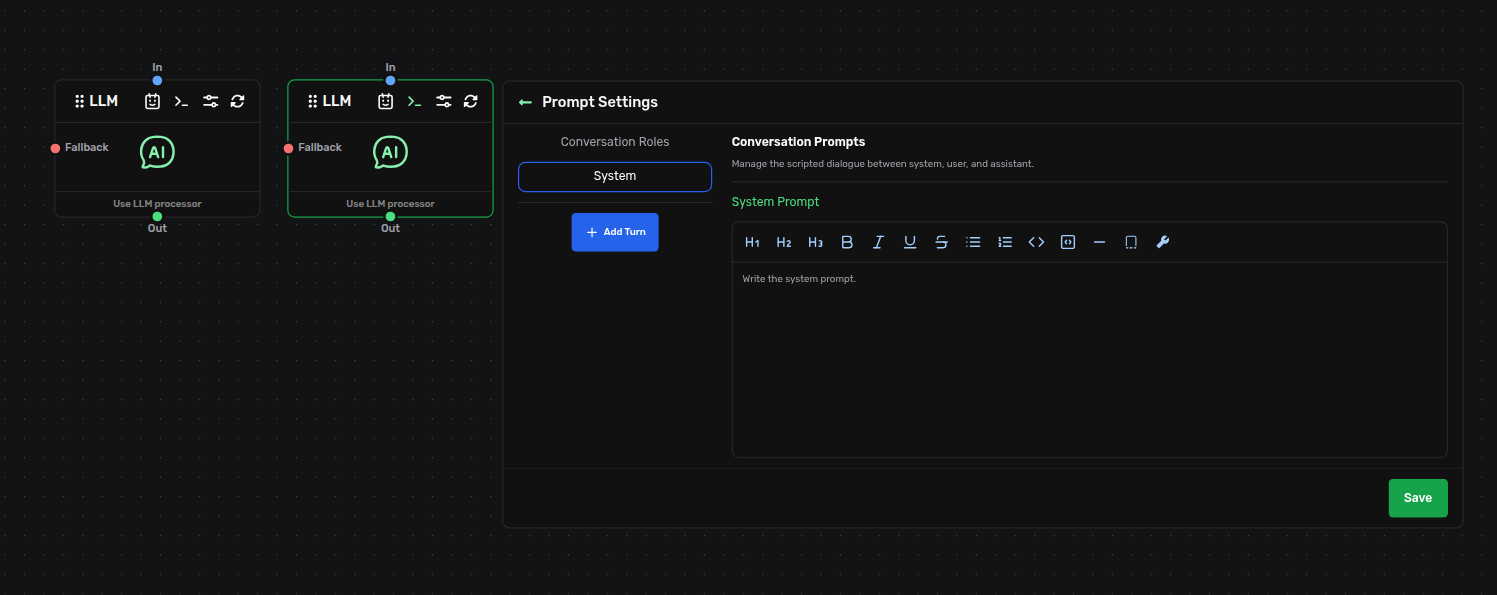
Prompt settings — the scripted prompt turns, System first.
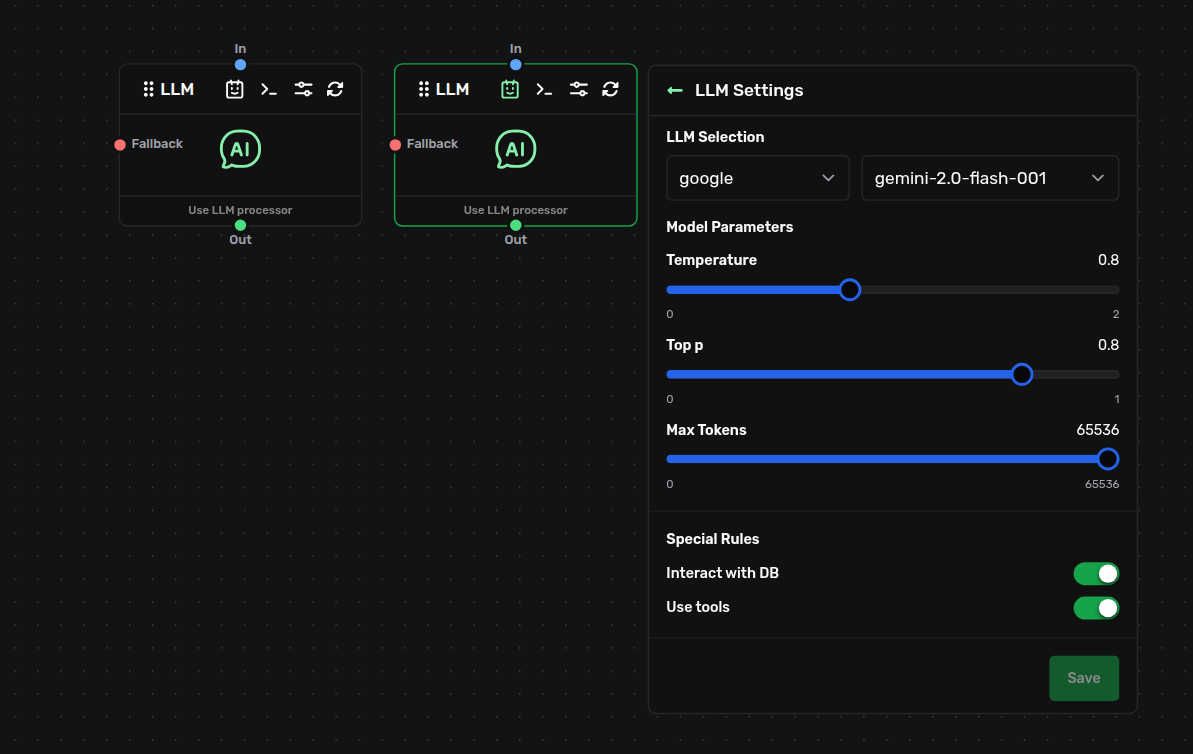
LLM settings — provider, model, sampling, max tokens and reasoning effort.
Composing Flows — Run, Jump, Parallel
Building big behaviour from small, reusable flows.
Run Flow
A function call — runs another flow to completion, then returns and continues. Dots: in, Out (next_1). Key setting: the target File-Label, e.g. Project-Start (may live in another file). The sub-flow shares the caller's dictionary and session, so values it writes are visible after it returns. When: to reuse a chunk of logic and keep going.
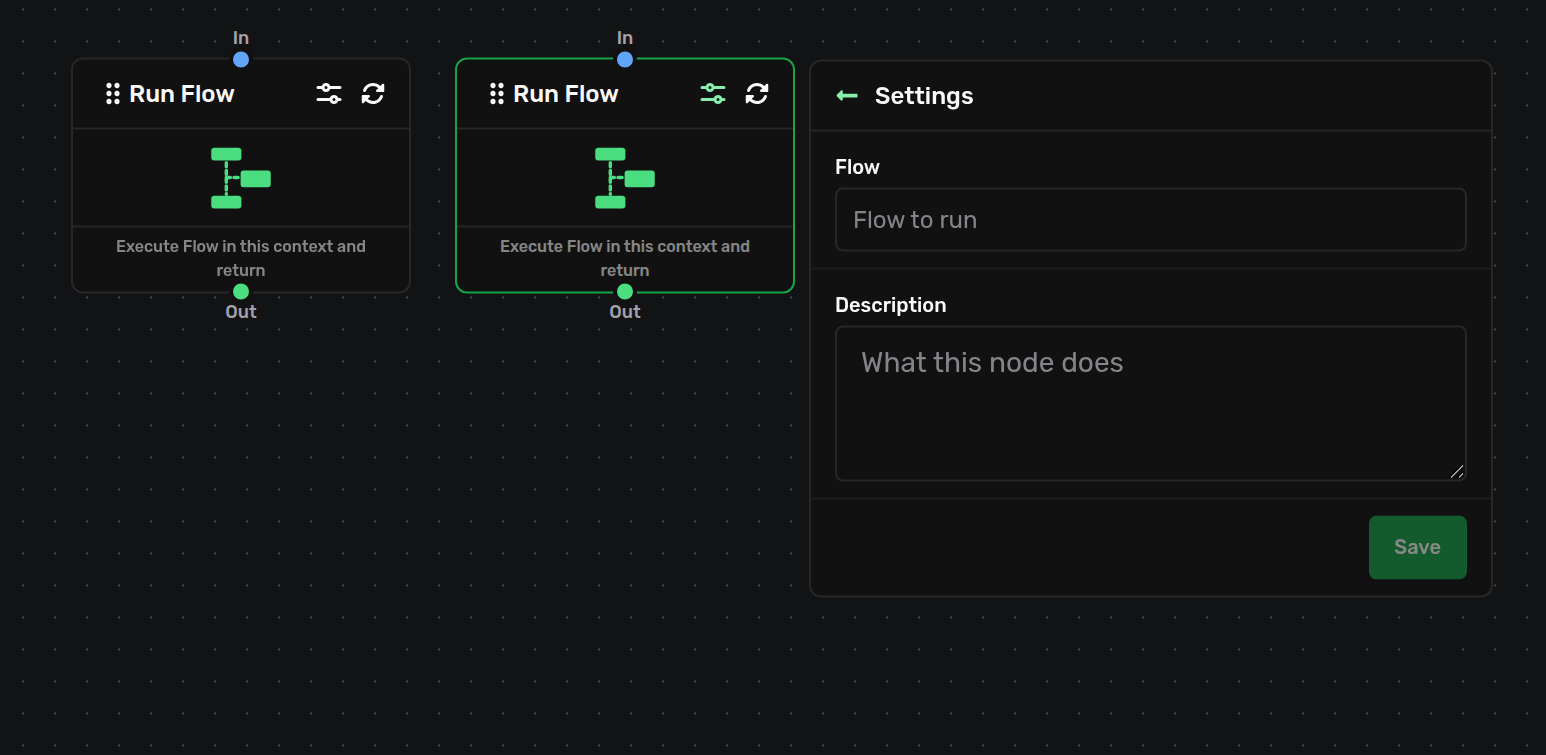
The Run Flow node and its panel — the target File-Label it calls and returns from.
Jump Flow
A tail call — hands control to another flow and does not come back; this branch finishes in the target. Dots: in only, no output. Key setting: the target File-Label. Same shared dictionary and session as Run Flow — only the "no return" differs. When: for a shared closing routine, or a dispatch where each branch jumps into the flow that handles it.
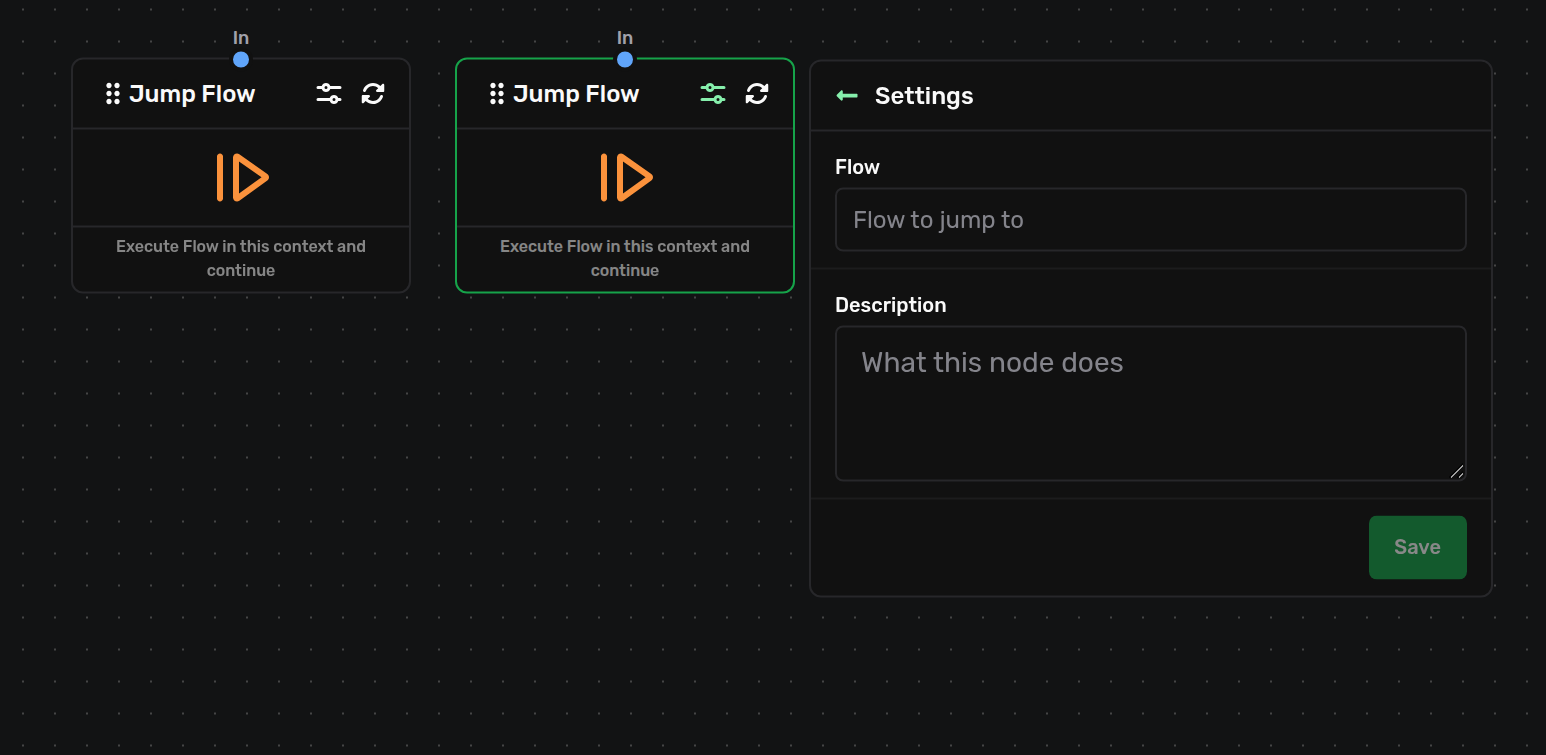
The Jump Flow node and its panel — the target File-Label it hands control to.
Parallel Flows
A fan-out with a barrier — runs several named flows at once and continues only after all finish. Dots: in; Wait (wait, multi-in — accepts Flow Pointer sources only); Out (next_1). Each sibling runs with its own empty dictionary and shares the session; nothing merges back, so results travel through the session or agent channels. When: to run a fixed set of independent flows concurrently.
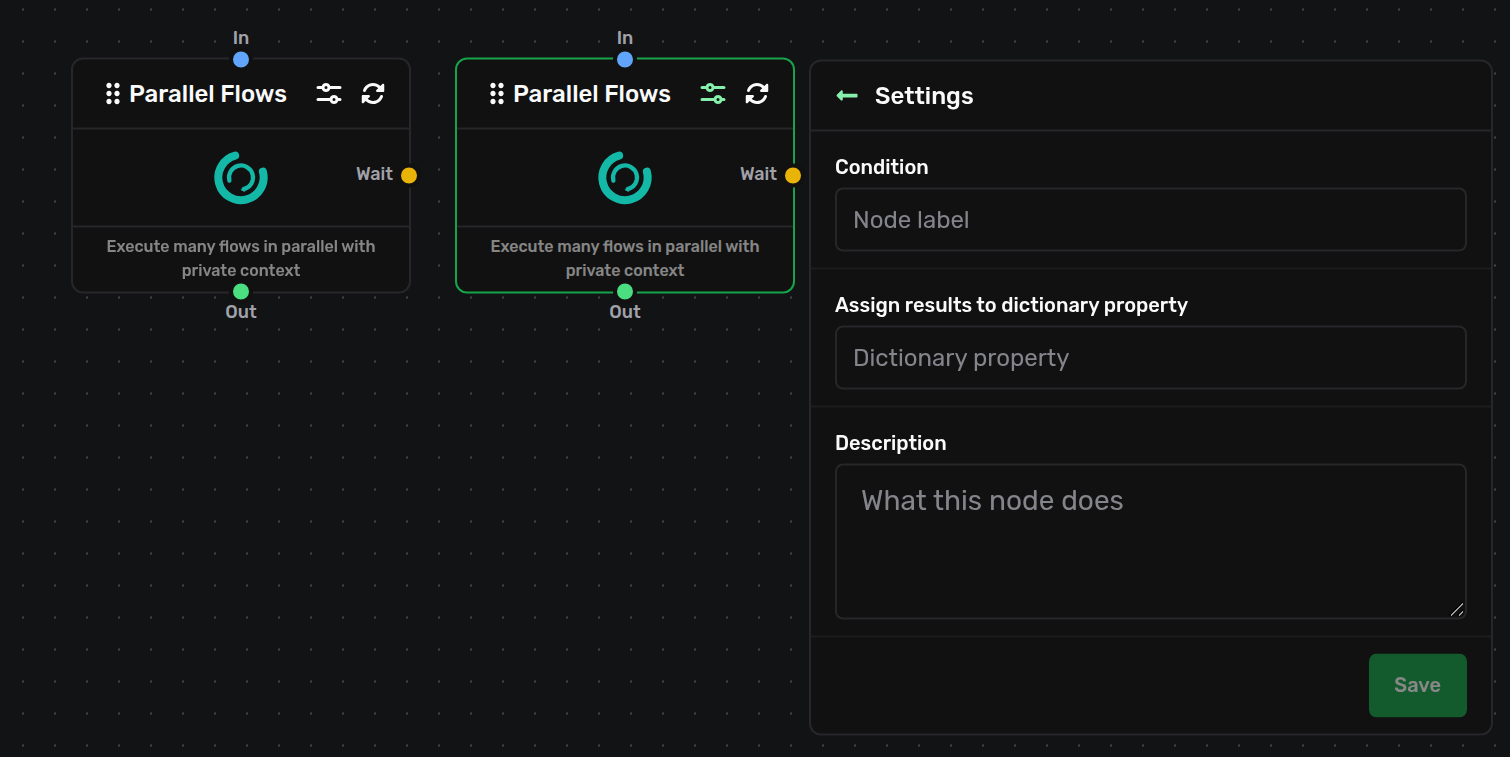
The Parallel Flows node — its in, Wait (multi-in) and Out dots.
Flow Pointer
A declaration, not a step — it names one flow to run and feeds a Parallel Flows node. Dots: one out (next), no input; wire it into a Parallel Flows Wait. Key setting: the target File-Label. It never runs on its own. When: one per flow you want a Parallel Flows node to await.
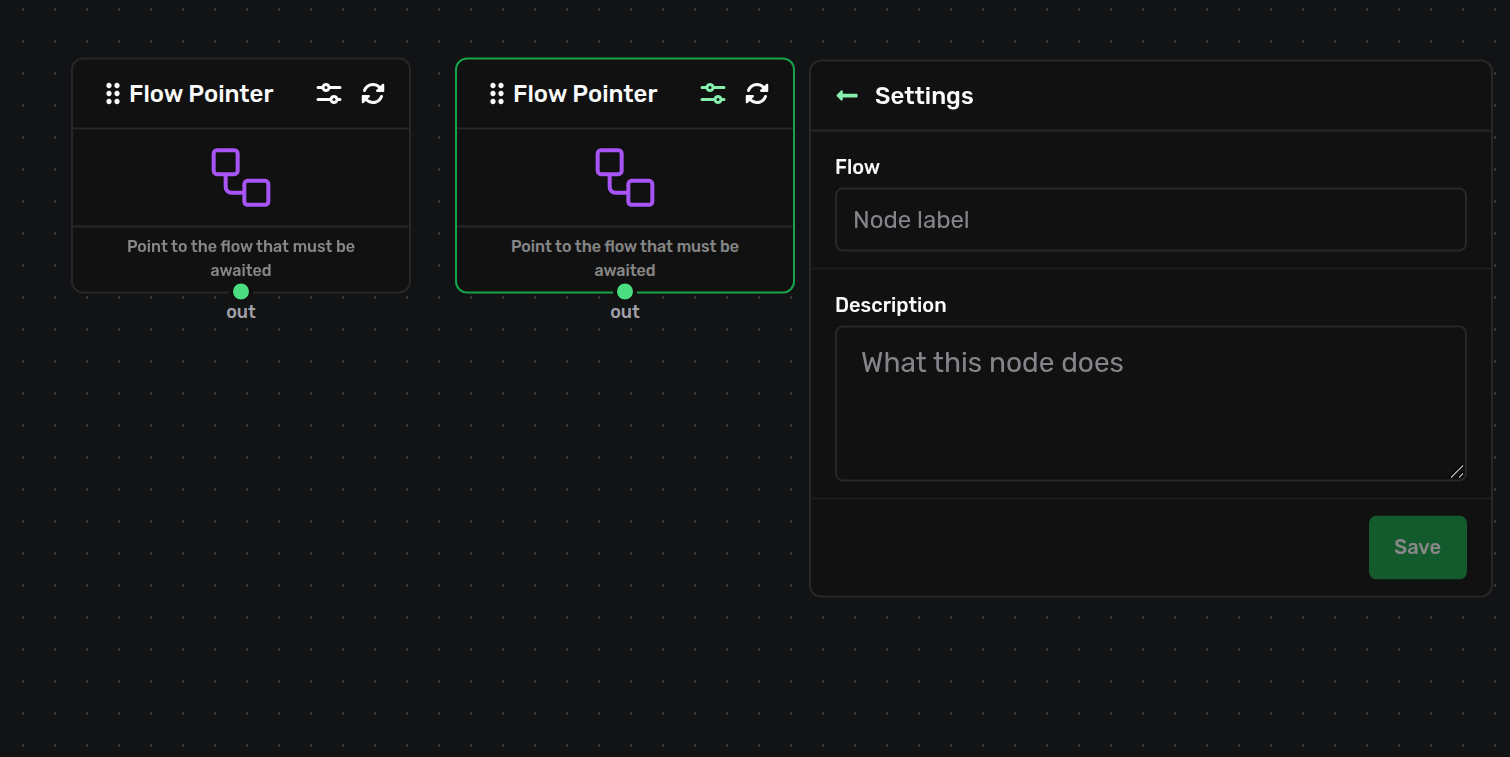
The Flow Pointer node and its panel — the target File-Label it names.
Parallel Context
Map-reduce — runs one template flow once per element of a dictionary array, concurrently, then continues when all finish. Dots: in, Out (next_1); card is 200px wide. Key settings: a Flow Pointer (File-Label of the template) and a Context Collection (dictionary.<path> to the array; each element a plain object). Each run starts seeded from its element, and its finished dictionary is merged back into that element — read results from the collection itself. The panel also asks for an Assign result name; fill it in (the form requires it), but results do not land there — they are merged back into the collection. When: to process N items in parallel — score N candidates, generate N variations.
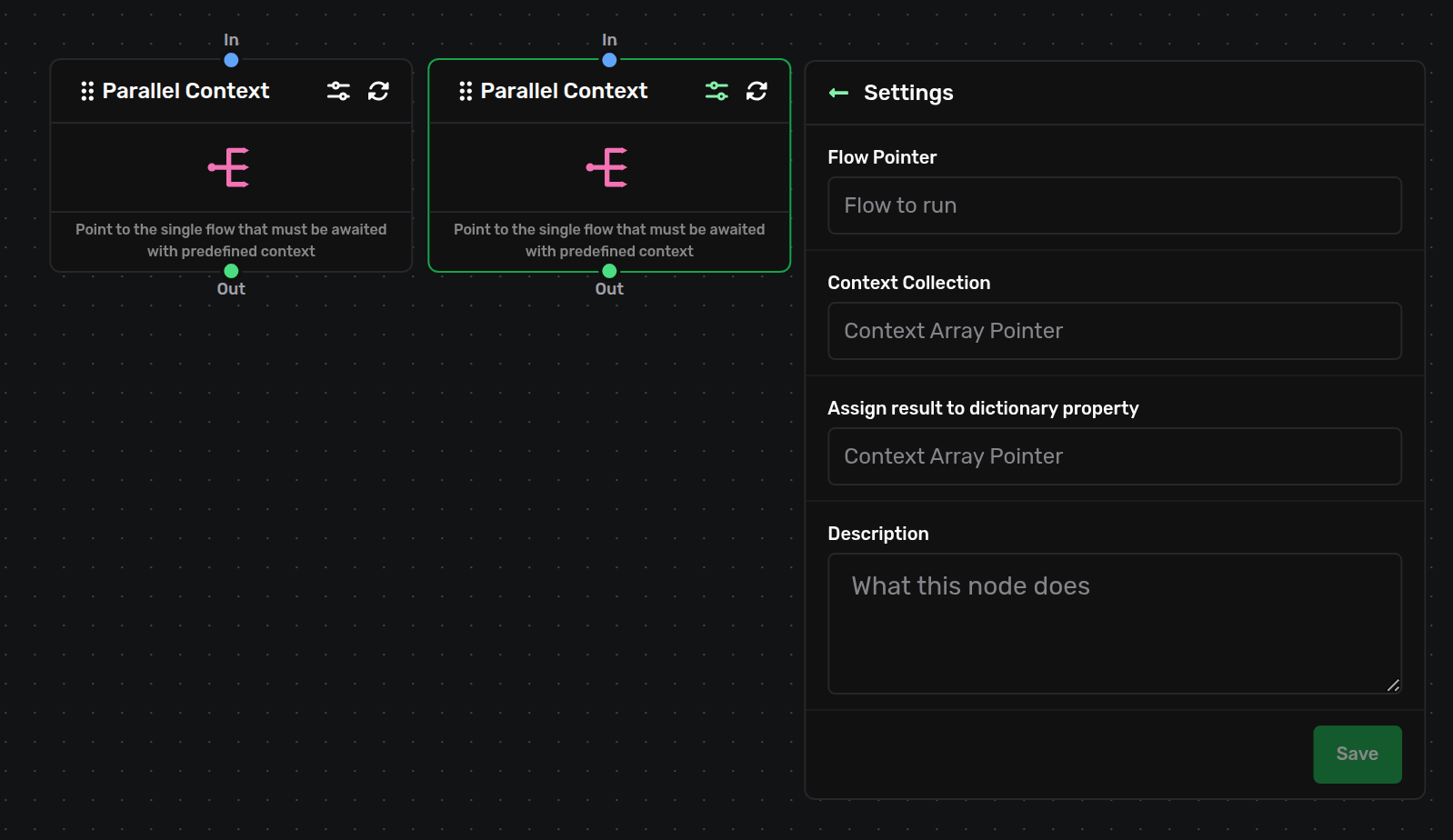
The Parallel Context node and its panel — the Flow Pointer and Context Collection fields.
Annotation — Note
A comment for humans on the canvas.
Note
A sticky note — pure documentation. Dots: none, so it never runs and can't be wired to anything. Key setting: the note text (up to 160 characters); the card is 500px wide. When: to leave yourself or a teammate a reminder next to the part of the flow it explains. For a "do nothing, then continue" step you want an edge on, use a Join instead.
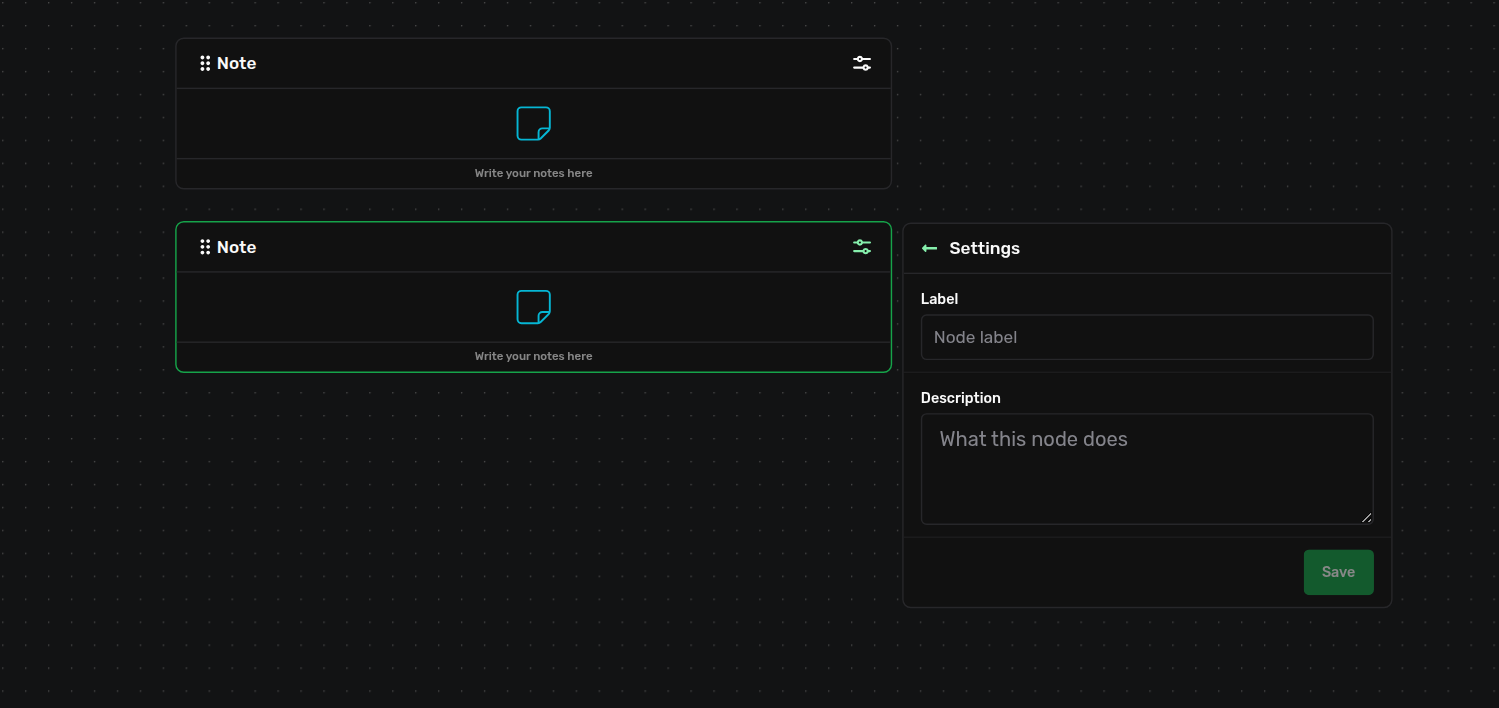
The Note node — a sticky comment on the canvas, with no dots.
Connection Dots at a Glance
The handle id each node uses in the .flow file.
- Standard flow
- Start's out is
next; most nodes take input oninand continue fromnext_1. Script and LLM add anerrorout (Error / Fallback). - Branch outs
- Condition uses
trueandfalse. Loop usesout(body) andnext_1(finish), and the body returns intonext_2. - No output
- End and Jump Flow have
inonly. Flow Pointer has outnextonly. Note has no dots at all. Parallel Flows collects Flow Pointers on itswaitdot.
Example — a minimal flow
Three nodes wired in a line: Start → LLM → End.
The smallest useful flow: a user message arrives, the LLM answers, the flow ends. Note the vertical spacing — 256px between neighbours (above the 255px minimum) on the 16px grid. The canvas writes node ids and edge ids for you; you never type them by hand.
Assistant.flow
{ "nodes": [ { "id": "startNode_A1b2C3d4E5f6", "type": "startNode", "position": { "x": 320, "y": 80 }, "data": { "labelNode": "Start Flow", "descriptionNode": "Flow entry point", "settings": { "value": "Start", "label": "Start" } }, "dragHandle": ".drag-handle__custom" }, { "id": "agentNode_G7h8I9j0K1l2", "type": "agentNode", "position": { "x": 320, "y": 336 }, "data": { "labelNode": "LLM", "descriptionNode": "Use LLM processor", "settings": { "agentId": "assistant", "agentName": "Assistant", "llm": { "company": "anthropic", "model": "claude-opus-4-5", "parameters": { "temperature": 1, "maxTokens": 8192 } }, "prompts": [ { "role": "system", "content": "You are a helpful assistant." } ] } }, "dragHandle": ".drag-handle__custom" }, { "id": "endNode_M3n4O5p6Q7r8", "type": "endNode", "position": { "x": 320, "y": 592 }, "data": { "labelNode": "End Flow", "descriptionNode": "Flow terminal", "settings": { "value": "End", "label": "End", "terminateDictionary": false } }, "dragHandle": ".drag-handle__custom" } ], "edges": [ { "type": "step", "source": "startNode_A1b2C3d4E5f6", "sourceHandle": "next", "target": "agentNode_G7h8I9j0K1l2", "targetHandle": "in", "id": "xy-edge__startNode_A1b2C3d4E5f6next-agentNode_G7h8I9j0K1l2in" }, { "type": "step", "source": "agentNode_G7h8I9j0K1l2", "sourceHandle": "next_1", "target": "endNode_M3n4O5p6Q7r8", "targetHandle": "in", "id": "xy-edge__agentNode_G7h8I9j0K1l2next_1-endNode_M3n4O5p6Q7r8in" } ] }
Every edge carries "type": "step" and names the two nodes plus the handle on each end. A Condition simply emits two edges from the same node — one from true, one from false:
a Condition's two branches (edges)
[
  { "type": "step",
    "source": "conditionNode_E0eqDp5b0fUs", "sourceHandle": "true",
    "target": "agentNode_G7h8I9j0K1l2", "targetHandle": "in",
    "id": "xy-edge__conditionNode_E0eqDp5b0fUstrue-agentNode_G7h8I9j0K1l2in" },
  { "type": "step",
    "source": "conditionNode_E0eqDp5b0fUs", "sourceHandle": "false",
    "target": "endNode_M3n4O5p6Q7r8", "targetHandle": "in",
    "id": "xy-edge__conditionNode_E0eqDp5b0fUsfalse-endNode_M3n4O5p6Q7r8in" }
]
Good to Know
- Wire the branch you rely on. An unwired out dot ends that path silently — a dangling Start out, an unwired Condition branch, or a Loop whose Next never returns all leave work undone with no error.
- A target name is a contract. Run Flow, Jump Flow, Flow Pointer, and Parallel Context all address a flow by its
File-Label. A typo or a name that isn't in the deployed project fails the run with an "entry not found" error — keep the file name and start label exact. - Join is not a barrier. It fires per arrival; if two live paths reach it, the downstream runs twice. Use Parallel Flows with its Wait dot when you genuinely need "wait for all, then continue once".
- Plain values are strings. In Assignment and Script props,
1is stored as"1". Use a whole-string placeholder that resolves to a number, or convert inside a script.
Keen Agents 2026
Documentation
Release 15