6. Verify in the Chat
Your code is deployed. Now open the Chat and talk to your agent. To do that you need a Consumer record (chat user) with access to the Space your Agent lives in.
You can now check if your setup and connection to the sandbox is correct. You have to be registered as a Consumer, with the Space the Agent lives in assigned to you.
6.1 Hop to /org: create a Consumer and assign your Space
A Consumer is the chat-only user. They never see /org. Use a Consumer (not your admin account) to log in to the Chat and verify the agent.
-
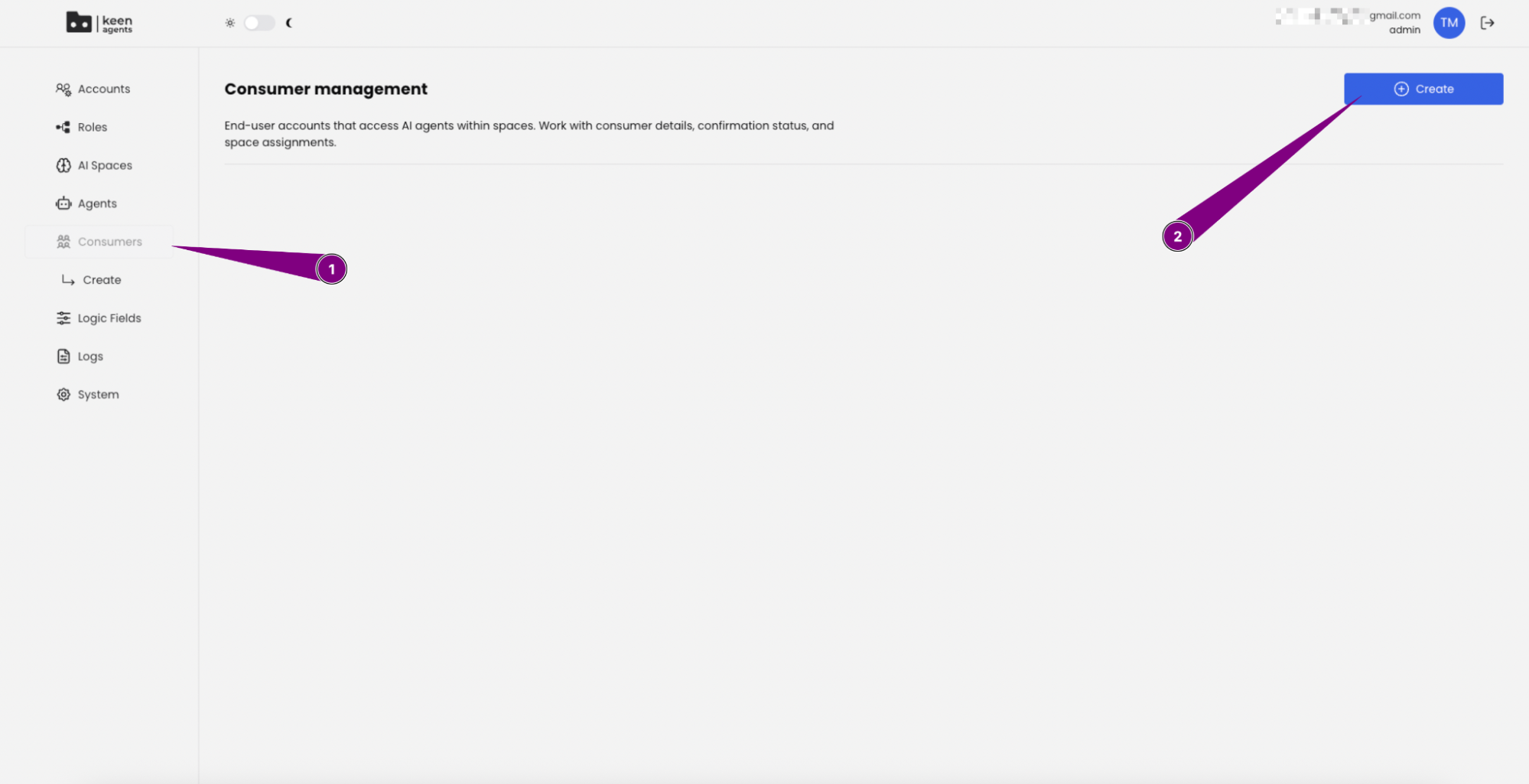
Open Consumers from the sidebar (1), then click Create (2):
-
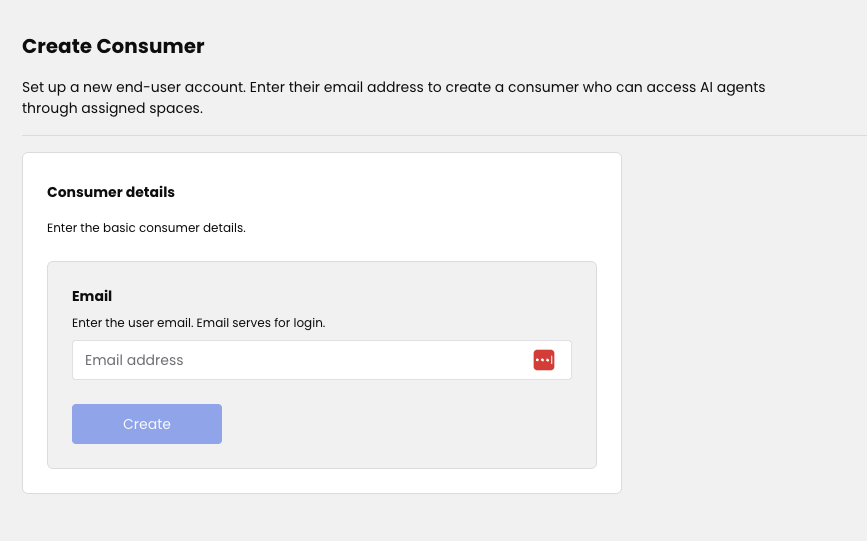
Enter the Consumer's email and click Create. An activation email is sent:
-
Open the Consumer's edit page and assign the Space you created (1). Then click Assign (2):
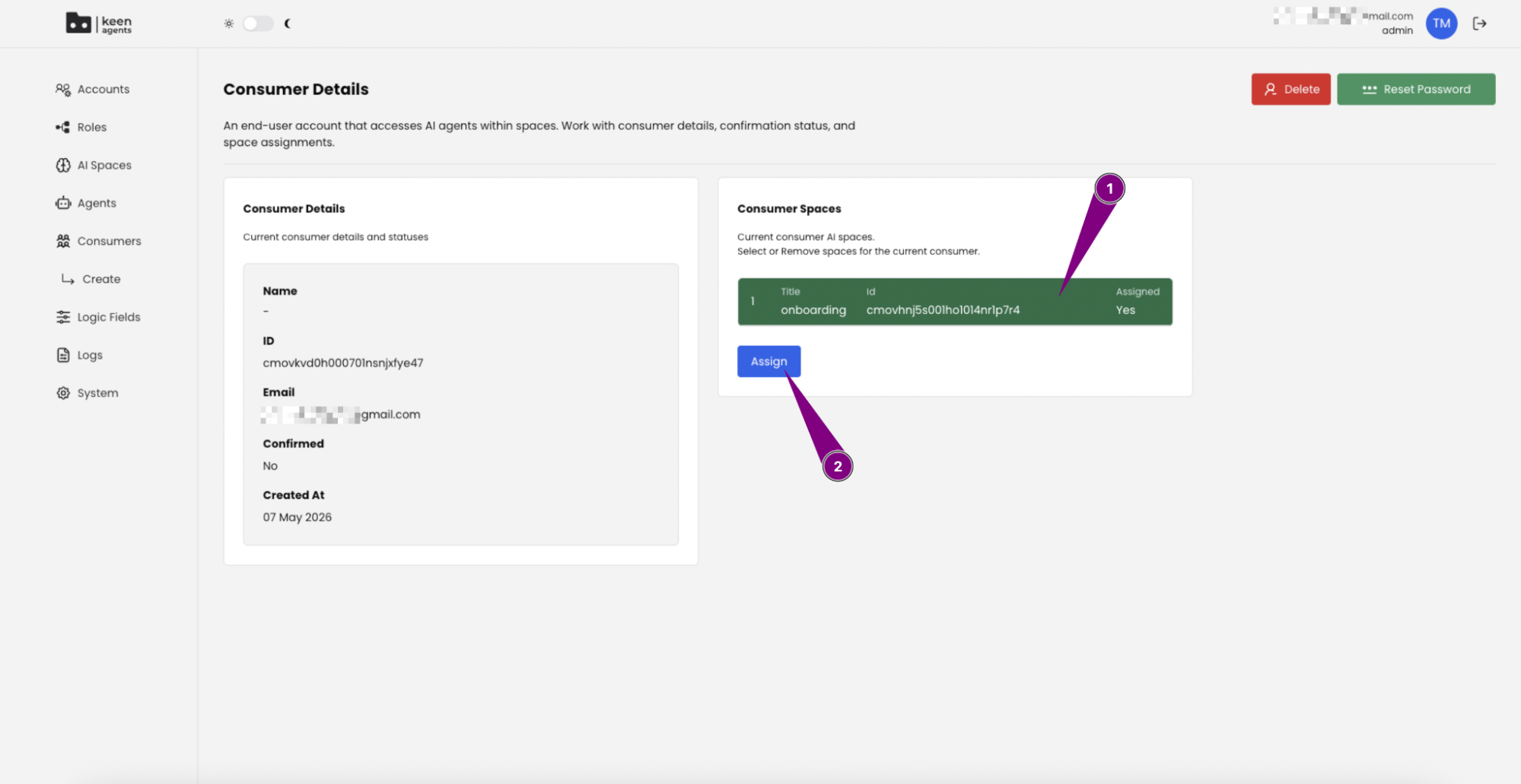
Space access is the only filter for which Agents a Consumer sees in the Chat — if a Consumer has access to the Space, they see every Agent inside it.
6.2 Activate and sign in to the Chat
-
Go to
https://<sandbox-domain>.ai. -
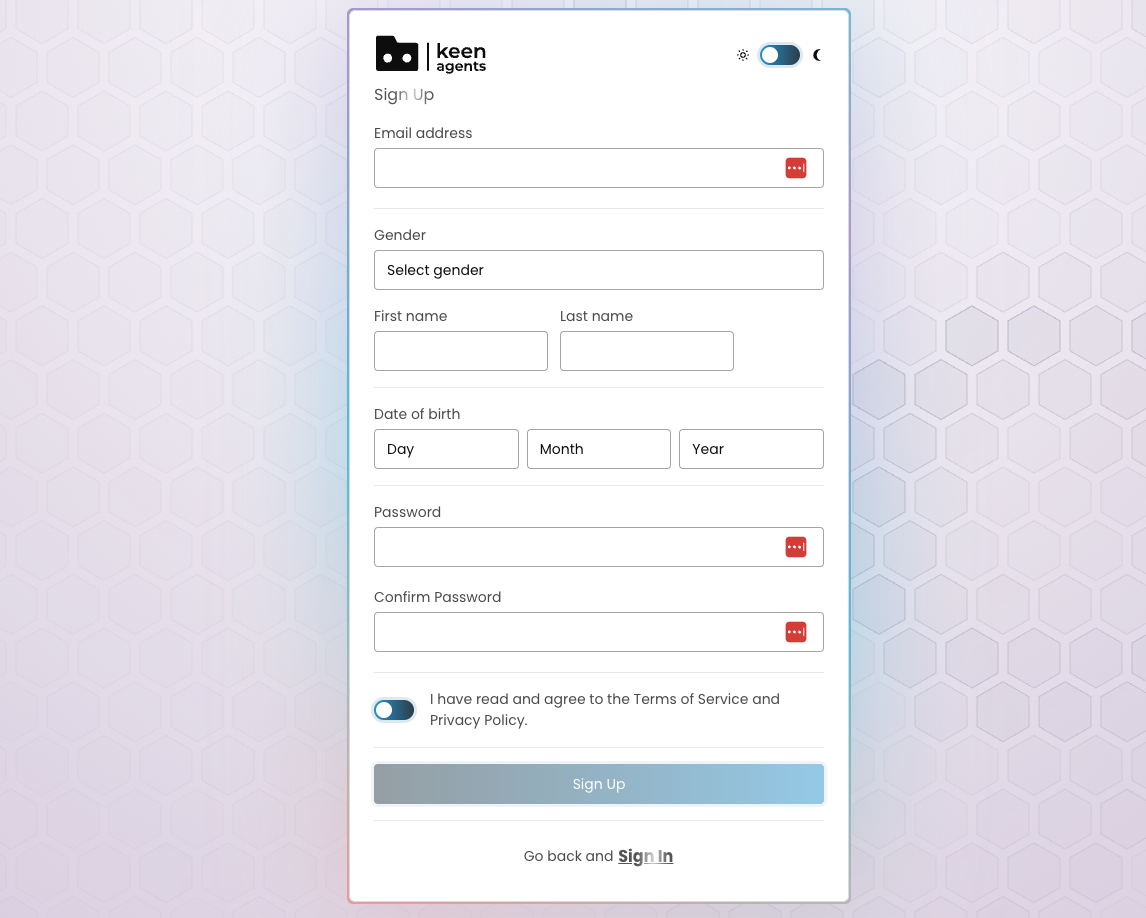
Sign up using the form:
-
Navigate to your e-mail and activate your account.
-
Sign in with your credentials.
NOTE: The "Sign In" button will remain inactive if you simply copy and paste your email and password. To activate it, follow these steps:
- Enter or paste your email address.
- Enter or paste your password.
- Delete one character from your email address and then retype it.
After completing these steps, the "Sign In" button will become clickable and active.
6.3 Enter the OTP code
-
Enter the OTP code sent to your email:
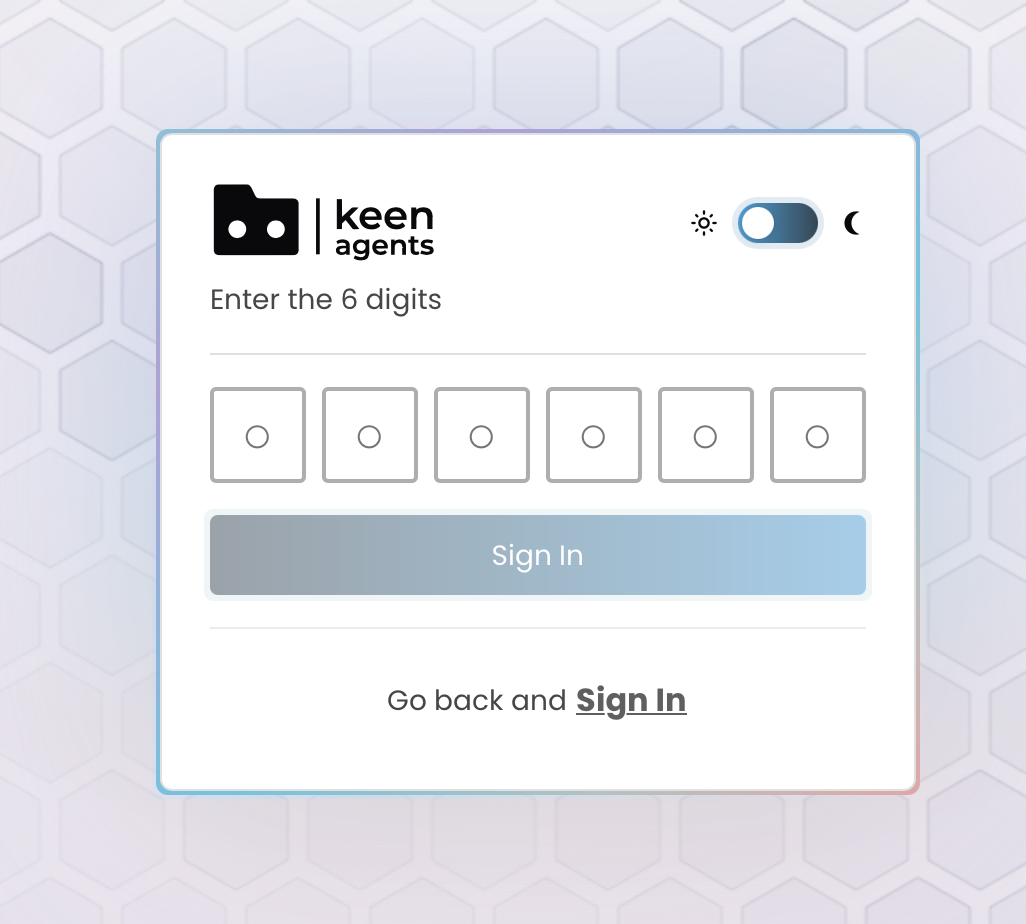
-
You're now logged in!
6.4 Pick your Space and Agent, then chat
Pick a Space, then pick the Agent inside it:
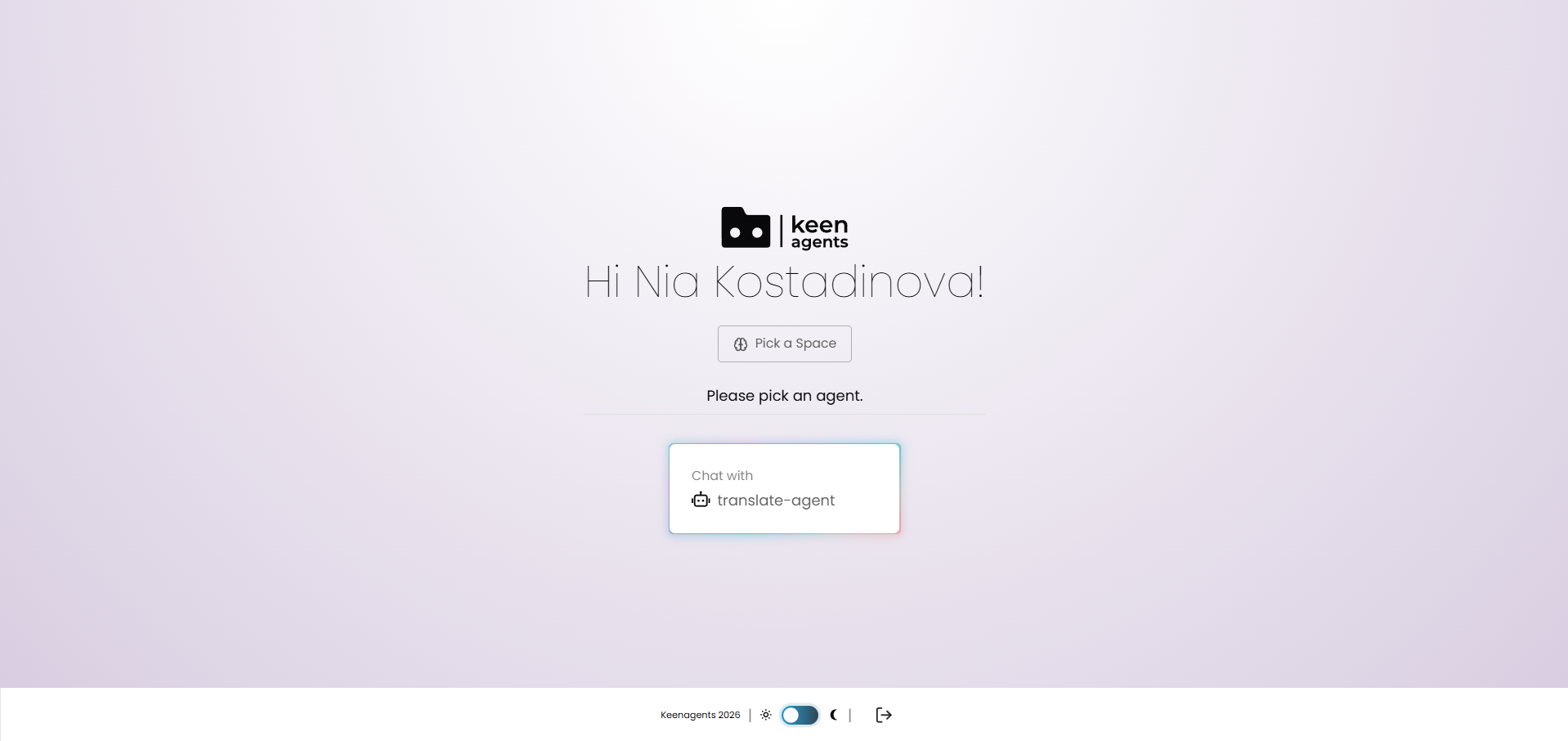
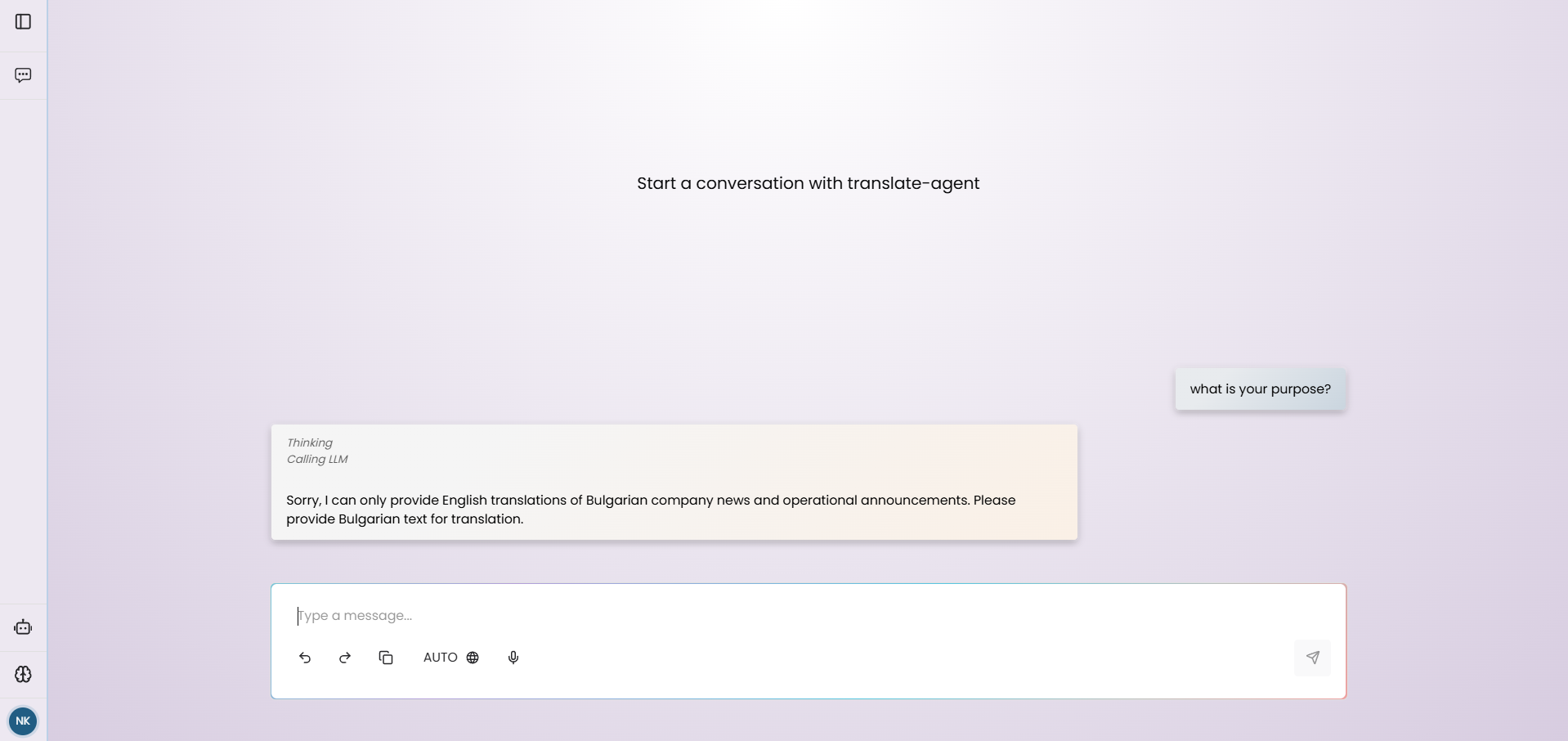
You can now chat with your agent:
If you get an error like
"Insufficient credits", contact our team and ask for credits, then wait 5 minutes and try again.
Next: 7. Debug →